Recording sales, stock and deni
This helps you record a sale, your stock and deni
3 minutes
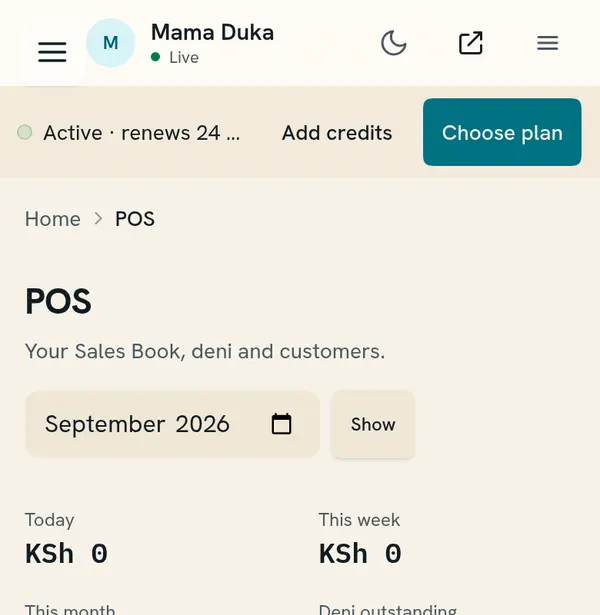
your POS
Stock, deni and receipts
- Stock: give a product a count and each sale takes it down; at 0 it shows sold out. Leave it empty and nothing is counted.
- Deni: choose Paid so far, type the amount and the customer's name — the rest goes on your Deni list.
- Reminders: every deni has Remind on WhatsApp — a polite message from your own number.
- Receipt: after Record, tap Send receipt on WhatsApp — the customer's chat opens. No number? WhatsApp asks who.
- The receipt itself: one PDF page they download — your shop's name, web address, place and WhatsApp number on top.
- Fix a sale: open it, tap Edit sale, change items, colours, prices or the customer. Stock and deni follow.
- Statement: each month has a Monthly statement (PDF) for your chama, sacco or lender.
- Cancel or refund: cancel a sale that never happened; refund one where you gave money back — its record stays.
You're done when the sale sits at the top of your Sales Book, with its receipt number.