Adding a product with photos and a price
This helps you add a product with photos and a price
3 minutes
Selling time, not stock — a haircut, a car wash? Tap Service at the top instead: Selling a service.
fills itself
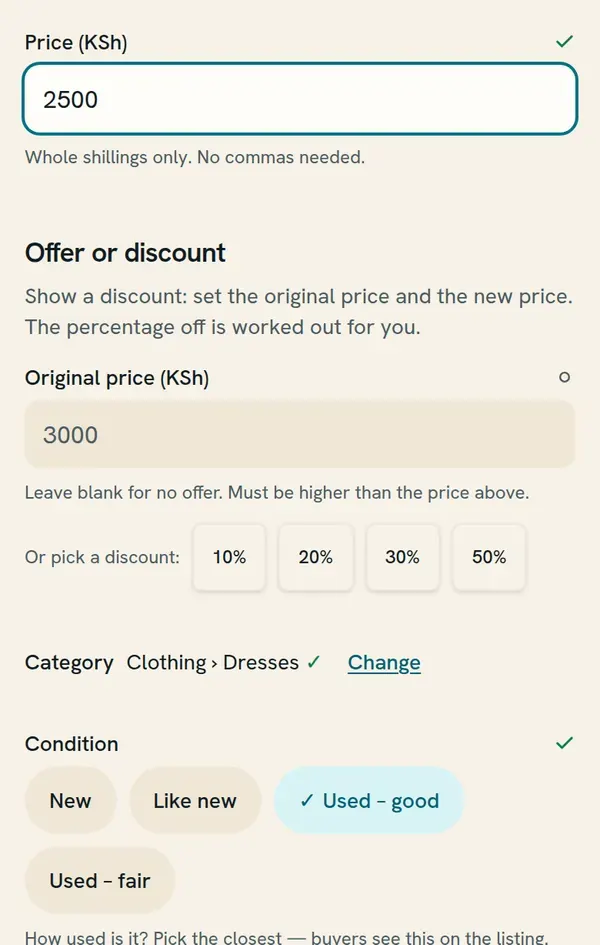
If the category is wrong
- Change opens a search: type what it is — “chair”, “simu”, “honey” — and pick.
- Pick a category means we couldn't tell from the name. It still saves; pick one when you can.
- The product lands on the shelf its category belongs to.
Everything else is one line you tap to open: Options, Condition, Offer or discount, Key details, Video and Stock. Open only what applies.
You're done when the product shows on your shop, on its category's shelf.